Confirmed: New Sony high end camera is coming soon!

Great news, everyone! Sony has just registered a new camera in China. The code is “WW847606” and this is what we’ve learned from the information shared by Sony:
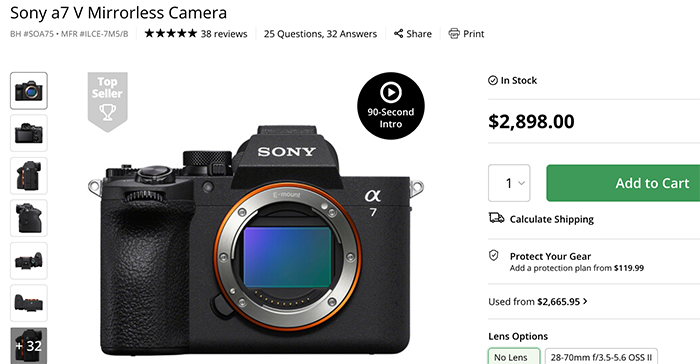
- The camera has the same Wifi 6 tech of the Sony A7V
- It’s made in Japan where only high end cameras like the Sony A1II, Sony A9III, Sony A7sIII and Sony FX3 are made.
- It will be announced in March/April
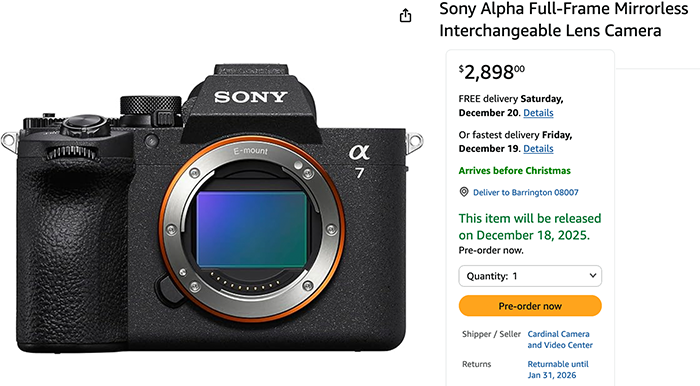
I have heard from reliable sources that the FX3II is indeed ready. So my personal guess (not a 100% confirmed rumor) is that it could be the Sony FX3II with a new, partially stacked low-resolution sensor. The Nikon Zr and Canon C50 are more affordable and, in many ways, outperform the FX3, which is now four years old. So it simply makes sense for Sony to announce this camera.
But as I said, I don’t have 100% confirmation from multiple reliable sources yet, and what makes sense in my head may not make sense to Sony :)
What are the other candidates?
I think the Sony A7rVI will most likely be announced in October/November, while I haven’t heard anything about a new A7sIV. There’s also a small chance that it could be the ZV-E1II, the A6900, or the A7cII, but again, I have no information.
Now let me know what you hope to see, and in the meantime, I’ll try to get 100% confirmation on this new camera and its possible specs. Stay tuned!
–
To share rumors please reach out using my anonymous contact form or contact me via eMail, Signal, Telegram. Thanks!
To not miss any new rumor subscribe our Newsletter:
Social Networks:
- Subscribe my youtube channel: Usually I do post the rumors there 15-30min in advance before I post them on SAR
- Follow me on Twitter: Yep, I paid for the blue check so that you will actually see me.
- Follow my page on Facebook: Be sure to select “Favorites” to be notified when there is a new article online
- Follow me on Instagram: Ok, this one is more tricky as I am currently getting lost having fun with Ai images :)